

How to make a photobook from your phone photos
Your best memories are on your phone, somewhere between the screenshots and the forwarded good-morning messages. Here's how to get them into a printed book you can hold, start to finish, without a computer.
In short
- Choose 20 or more favourite photos.
- Upload them to an online photobook maker in your phone's browser.
- Let it lay out the pages, then tweak what you want.
- Pick a size and cover, and pay.
- The printed book is delivered to your door. In Lagos that usually takes 3–5 working days.
Step by step
- 1
Choose your photos
Start with about 20. That's enough to fill a standard book without it feeling thin, and you need at least 15 to start. Scroll back through your gallery and favourite the ones that make you stop. Then mix them: close-up faces, wide shots of the place, a few candid moments nobody posed for.
Skip screenshots and photos that have been forwarded on WhatsApp. WhatsApp shrinks photos when it sends them, so they print soft. Ask whoever took them for the originals.
- 2
Upload them from your phone
Open the photobook studio in your phone's browser and choose your photos. There's no app to install. iPhone photos work as they are. If some are stored only in iCloud or Google Photos, your phone may take a moment to download them first.
- 3
Give it a name and a mood
Name the book. It becomes the title on the cover. Then choose a mood, which sets the fonts and feel of the pages. You can change both later.
- 4
Let it lay out the pages
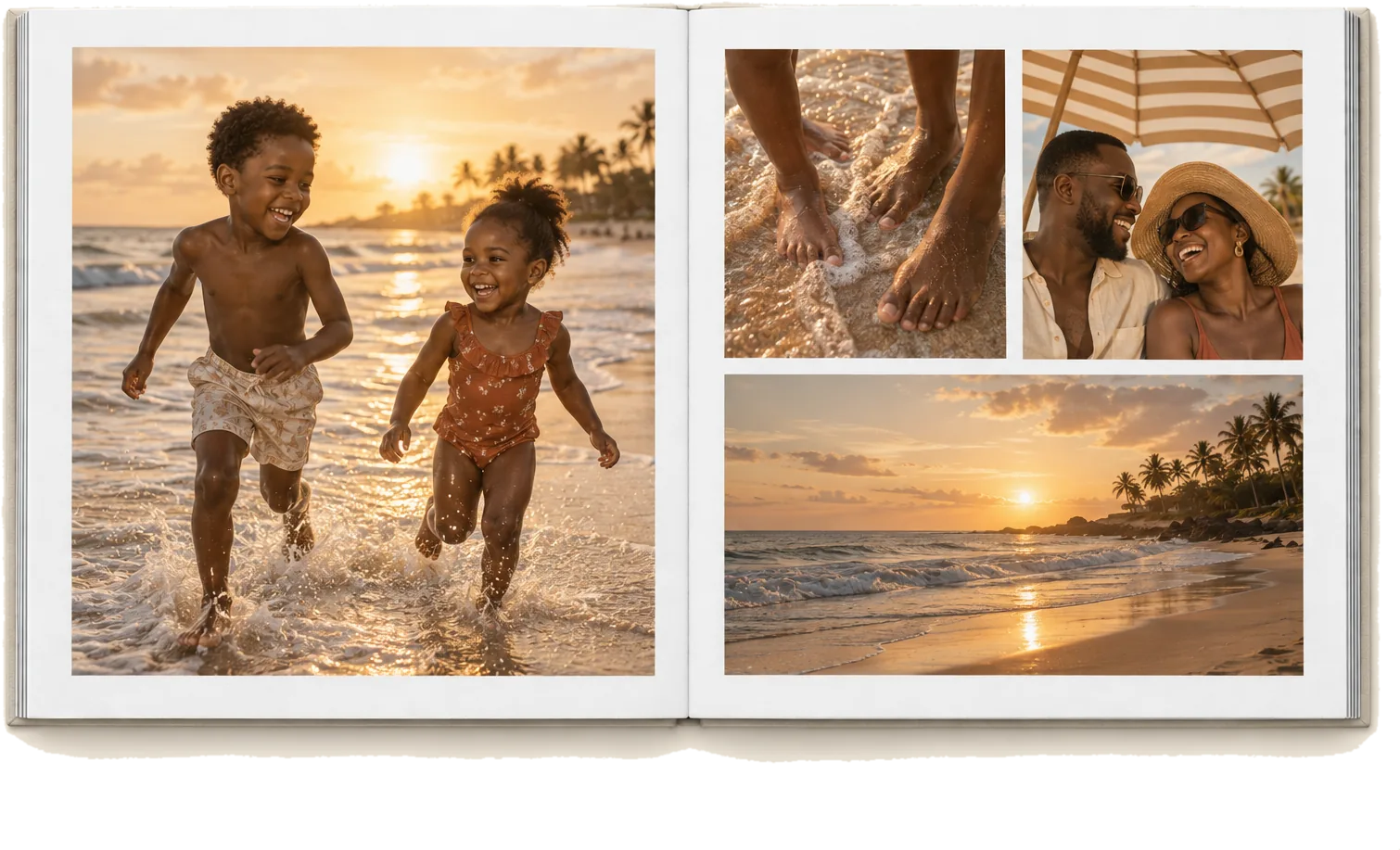
Your photos are arranged into pages automatically, mixing full-page shots with pages of two or three. Don't like the first arrangement? Auto-arrange gives you a fresh one. This is the step that used to take an evening at a computer. Now it takes seconds.
- 5
Make it yours
Swap a page's layout, drag photos between slots, and zoom in to crop. Add a caption under a photo, or a whole page of words: a letter, a date, what the day meant. Choose a cover design and a background colour. Go through it page by page in the preview, the way you'd flip through the real thing.
Missing photos someone else took? Share a link to the family or friends WhatsApp group so they can send theirs in. Their photos arrive in a tray, and you choose which ones go in the book.
- 6
Choose the size, cover and copies
We print regular (10" × 10") or mini (6" × 6") books, in hardcover or lay-flat. Order extra copies for the grandparents in the same step. The price updates as you choose, so you know the total before you pay. See every option in our photobook sizes and prices guide.
- 7
Pay, and it comes to your door
Pay securely by card or bank transfer. The book is printed and bound in Lagos, checked, and delivered to your door, usually within 3–5 working days. If it ever arrives wrong or damaged, we remake it free.
Tips for a book people actually pick up
- Tell it in order. A book reads like a story when the photos follow the day or the year as it happened.
- Give your best photo a page to itself. One strong full-page photo does more than four small ones.
- Cut the near-duplicates. Twelve photos of the same pose makes a book feel long. Keep the best one or two.
- Say something. A few words on the first page, even just the date and the place, is what turns a set of prints into a keepsake.
Which occasion is it for?
Some ideas to start from: a wedding album, a baby's first year, or a trip, a birthday, or a whole year of family life. Every one starts the same way, with the photos already on your phone.